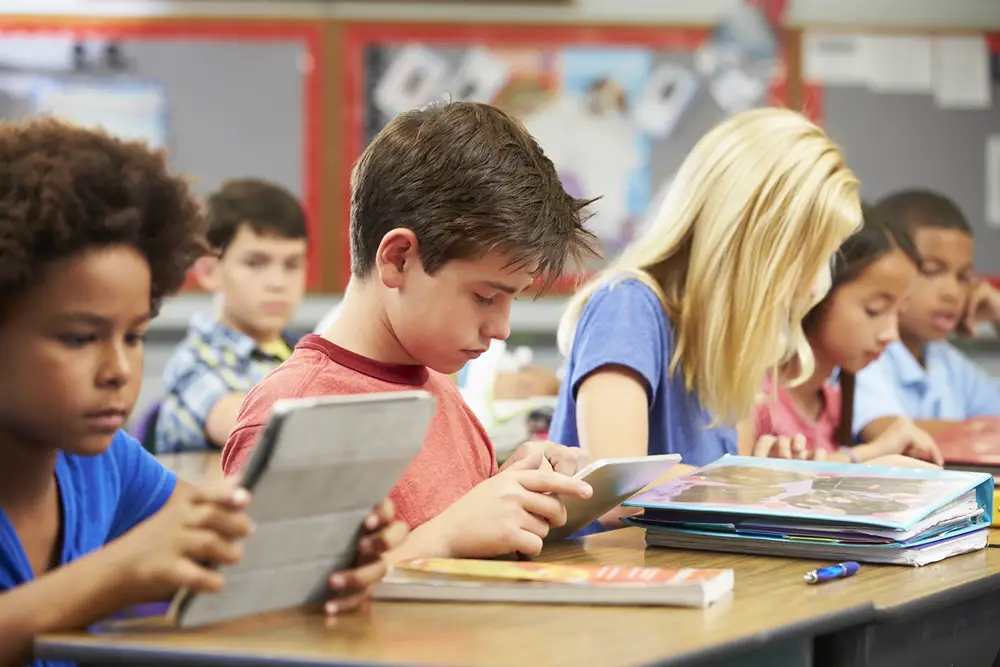
How to Ease the Transition From Tablets to Keyboards When Teaching Typing Skills
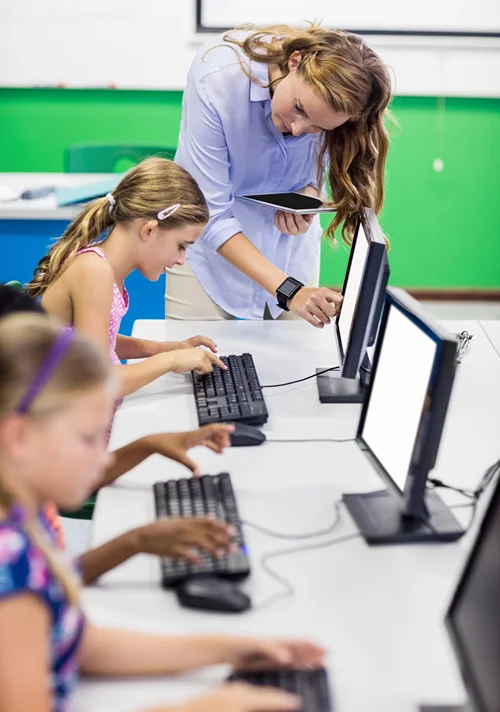
For kids who are used to tapping and swiping on tablets, a mechanical keyboard can feel unfamiliar at first. They suddenly need to find individual keys, coordinate their fingers and remember where each letter belongs without looking. That adjustment can take time, but with playful support, it can be an exciting journey.
With a little creativity, you can turn keyboard practice into something kids enjoy. Simple games, tactile activities and short routines can help them build confidence and develop stronger typing habits.
Why the Switch to a Keyboard Can Be Tricky
Using a tablet can feel easy for kids. They tap letters, swipe or use autocorrect to assist. But using a mechanical keyboard is different, requiring more deliberate and coordinated finger movements. Keyboards vary in size, layout and key movement, while a tablet’s screen has smaller, closely spaced keys.
These differences can disrupt students’ muscle memory, the repeated finger movements that help typing become more automatic. When this happens, kids may type more slowly, make mistakes or feel frustrated searching for keys.
1. Start With Exploration
Before students start typing words or sentences, you can let them get familiar with the keyboard. Give children keyboards and let them explore. Provide simple challenges, such as finding the letter C or identifying vowels. You can have students run their fingers along the rows of keys and notice how they feel.
You should also point out the small bumps on the F and J keys, which help them find the home-row position by touch instead of always looking down. Once kids know where to find the keys and how the keyboard feels under their fingertips, learning proper typing skills becomes much less intimidating.
You can also use this early exploration time to help kids build proper sitting habits while typing. Encourage kids to sit comfortably, shoulders relaxed and elbows close to their sides. Proper posture reduces muscle strain and improves spinal support.
2. Try Keyboard Hacks
Students need to build finger strength, coordination and muscle memory to use mechanical keyboards. Simple hands-on activities can help develop these skills. You can start with small, removable stickers on a few keys. Use one color for left-hand keys, another for right-hand keys and mark home-row keys with a bright color. These visual cues help students remember correct finger placement.
You can also have students make a paper keyboard and practice placing their fingers on the correct keys. Call out short words and have them type by pressing the matching paper keys, letting them practice movements without the pressure of using spring-loaded keys.
Additionally, students with special needs may find regular keyboards challenging. Small keys and complex layouts may be frustrating for them, so consider adaptive keyboards with larger, easier-to-press keys or color-coded layouts.
3. Turn Typing Into a Game
Quick typing games give kids a chance to try out the finger movements, find keys and build confidence without feeling like they’re doing another worksheet. In fact, in game-based learning, students show higher levels of retention, engagement and participation.
You can try these games:
- Keyboard treasure hunt: Call out a letter and have students search for it on their keyboards. Once found, they cover the key with a sticker or piece of paper. Have them start with familiar letters and gradually include numbers, punctuation and less common keys, like command keys.
- Finger detective: Choose a letter and ask, “Which finger should type this?” Students then point to the correct finger and press the key. This helps reinforce finger placement and keeps the lesson interactive.
- Word builder: Give students familiar words like cat, sun or house. Have them find each letter on their paper keyboard, then type the word on a real keyboard. This two-step activity connects letter recognition to typing.
4. Focus on Accuracy
A common mistake you can make when teaching beginners is emphasizing typing speed too soon. For a child who is still learning where the keys are, being asked to type quickly can create frustration. Instead, divide typing into smaller skills, such as learning the home row, practicing individual finger movements and typing short words. By sectioning complex skills into smaller, easier-to-remember components and providing ongoing feedback, students can make substantial progress in a short period.
5. Make Progress Visible
You can give your students a simple way to see their progress. Create a classroom keyboard challenge where students can check off skills as they learn them, such as typing their name, using both hands or keying a short sentence. You can do the same thing at home with a small checklist on the refrigerator or near the computer. Keep each goal simple and achievable, and celebrate progress along the way.
You should also remind students that mistakes are part of learning. Typing is a motor skill, so it’s completely normal for their fingers to feel awkward at first. Give them time to practice and celebrate small wins. These early successes at typing can free kids to think more clearly and create better texts.
Small Steps to Stronger Typing Skills
Use simple activities, tactile practice, quick games and short, consistent routines to make learning feel easier and more enjoyable. You can encourage kids to explore the keys, use proper finger placement and celebrate small improvements along the way. With patience, positive feedback and plenty of opportunities to practice, children can develop the skills they need to become comfortable, capable keyboard users.
 Tessa Dodson is the Senior Writer at Classrooms.com and a former career coach dedicated to supporting teachers and students with practical and accessible educational resources.
When she’s not writing, you can find her diving into research or catching up with her latest read.