Best Alternatives to VPNs for Everyday Privacy

VPNs are a popular way to protect your privacy online, but they are not always practical. They can slow your connection, use more battery, and require a separate app on each device. For everyday privacy needs like blocking ads, trackers, and malicious sites, a full VPN might be more than you need.
DNS-based tools offer a lighter alternative. They can filter unwanted content, block threats before they load, and provide some VPN-like privacy features without a full VPN connection.
Let’s look at the 4 best alternatives to VPNs and review how each can help with everyday privacy and security.
Reviewing Top 4 Alternatives to VPNs
| Tools | Features | Traffic Redirection | Best for |
| 1. Control D | ● Customizable network routing
● Reduced latency ● Granular traffic control ● 100+ global locations ● IP masking without VPN ● Service-level redirection ● Security layer |
Yes, at the DNS layer. Works on any device that can set a DNS server. Scoped per domain, service, or category | ● Masking your traffic’s origin
● Redirecting specific services or domains through global proxy locations ● Filtering out malware and unwanted content |
| 2. Cloudflare | ● Stronger security model
● Simple IT management ● Smooth user experience ● Broad Zero Trust coverage ● Fast remote access ● Unified and consistent SaaS-style login |
Yes, but as a full forward proxy for managed devices. Requires the WARP client and IT-side configuration | ● Eliminating the riskiest users and apps
● Adopting a Zero Trust access model |
| 3. RethinkDNS | ● Ad and tracker blocking
● Full control of DNS translation ● Global servers ● Proxy network add-on with the Rethink Proxy Network |
Yes, via the separate Rethink Proxy Network subscription. Requires the Android app, scoped per app | ● Establishing a firewall-level control over what each app can access
● DNS-layer filtering and censorship bypassing ● Adding proxies for VPN-style routing |
| 4. AdGuard DNS | ● Encrypted DNS traffic Global server locations● VPN-profile mode on mobile● Device-level visibility |
No. You choose which AdGuard resolver answers your queries, but your web traffic isn’t rerouted | ● DNS-level traffic control
● Ad and tracker blocking |
1. Control D
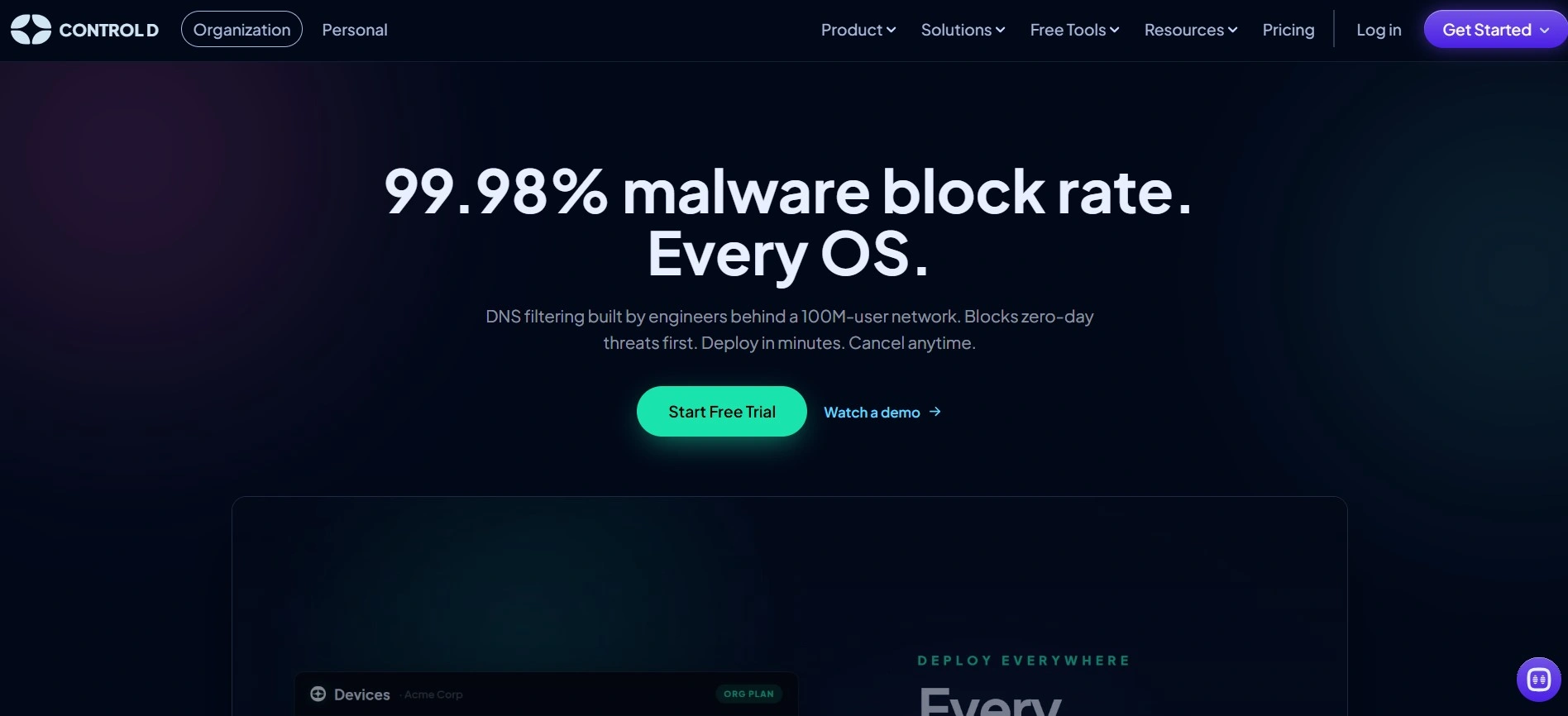
Control D is a DNS filtering service that uses threat intelligence to block malware and trackers on every operating system. Its real-time AI flags malicious and phishing domains before they ever reach a shared blocklist, which stops threats before they reach your devices.
One of Control D’s strong features is that you can set custom rules to block or allow specific domains, instead of accepting a fixed blocklist.
Along with filtering, its traffic redirection feature lets DNS queries be routed through proxy locations to mask a client’s source IP, offering a VPN-style IP masking without an actual VPN needed and making it one of the strongest alternatives to VPNs.
Features as a VPN Alternative:
- IP masking without VPN: Traffic can be sent through transparent proxies to hide the client’s source IP, something a VPN usually does
- Minimal speed impact: Routing through Control D’s optimized proxy locations adds privacy without the slowdown a full VPN tunnel usually brings
- Granular traffic control: Different devices on your network can be routed through different proxy locations, giving granular control over how DNS queries flow.
- 100+ global locations: Traffic can be sent through more than 100 distributed proxy locations so you can choose where your traffic appears to originate
- Service-level redirection: Specific web apps or services can be redirected through Control D’s proxies with no need to identify individual domains
- Security layer: Redirected traffic still passes through Control D’s filtering, so malware and tracker blocking stay in effect on redirected domains
- Encrypted DNS everywhere: Full support for DoH, DoH3, DoT, and DoQ, plus plain DNS for devices that can’t do encrypted lookups
Why Control D?
Choose Control D if you need to mask your traffic’s origin, redirect specific services or domains through global proxy locations, and filter out malware and unwanted content, all without needing a separate VPN service.
2. Cloudflare
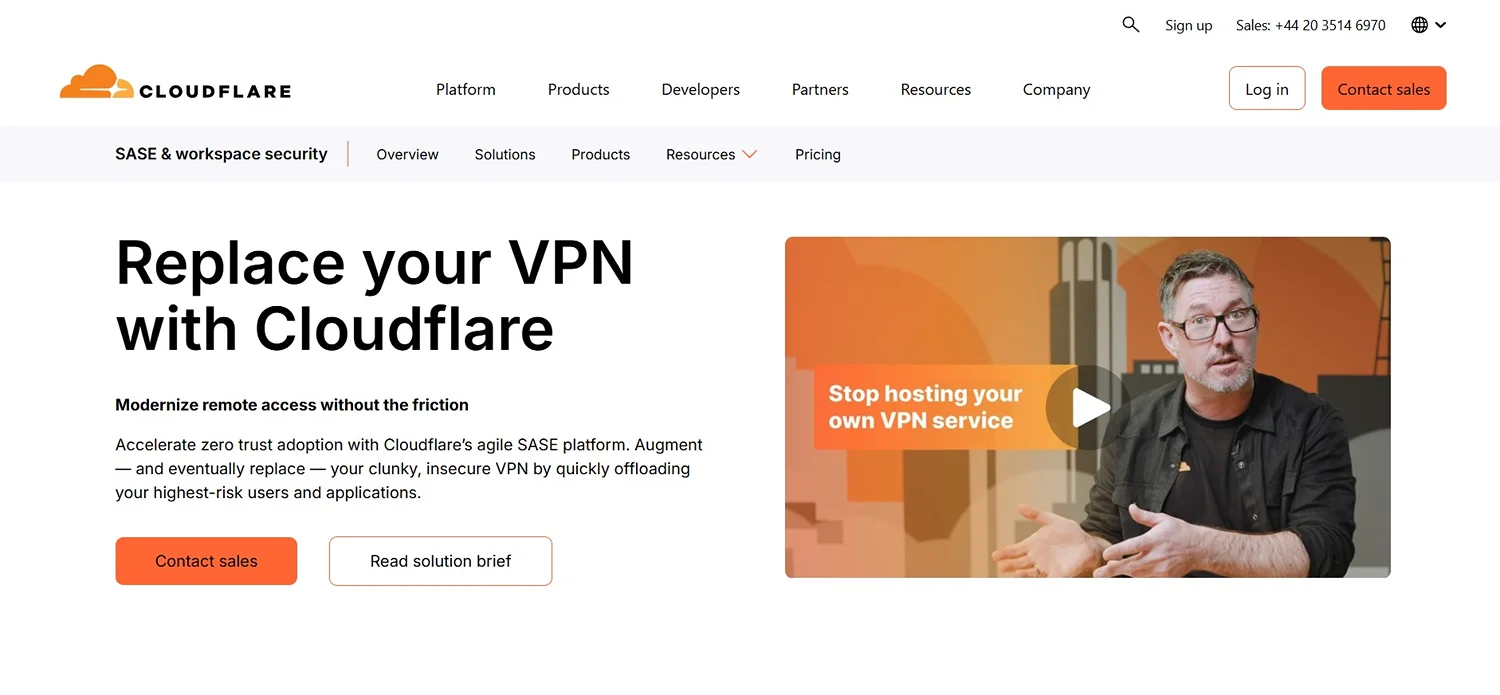
Cloudflare offers a Zero Trust Network Access (ZTNA) service built to replace traditional VPNs. Its agile SASE platform speeds up Zero Trust adoption by first offloading the riskiest users and apps from an insecure VPN, then fully replacing it.
Features as a VPN Alternative:
- Stronger security model: Adopting Zero Trust cuts down the chance of expensive security breaches.
- Simple IT management: A modernized access strategy to reduce IT tickets and speed up new employee onboarding
- Smooth user experience: A large global network to access apps and other resources with low latency, removing the need for a VPN
- Broad Zero Trust coverage: Going beyond apps and networks to infrastructure
- Fast remote access
- Unified and consistent SaaS-style login
Why Cloudflare?
Choose Cloudflare if you’re replacing a corporate VPN rather than looking for personal privacy. Zero Trust Network Access is built for IT teams managing company access, so it’s a heavier lift than the other options here if you’re just protecting your own devices.
3. RethinkDNS
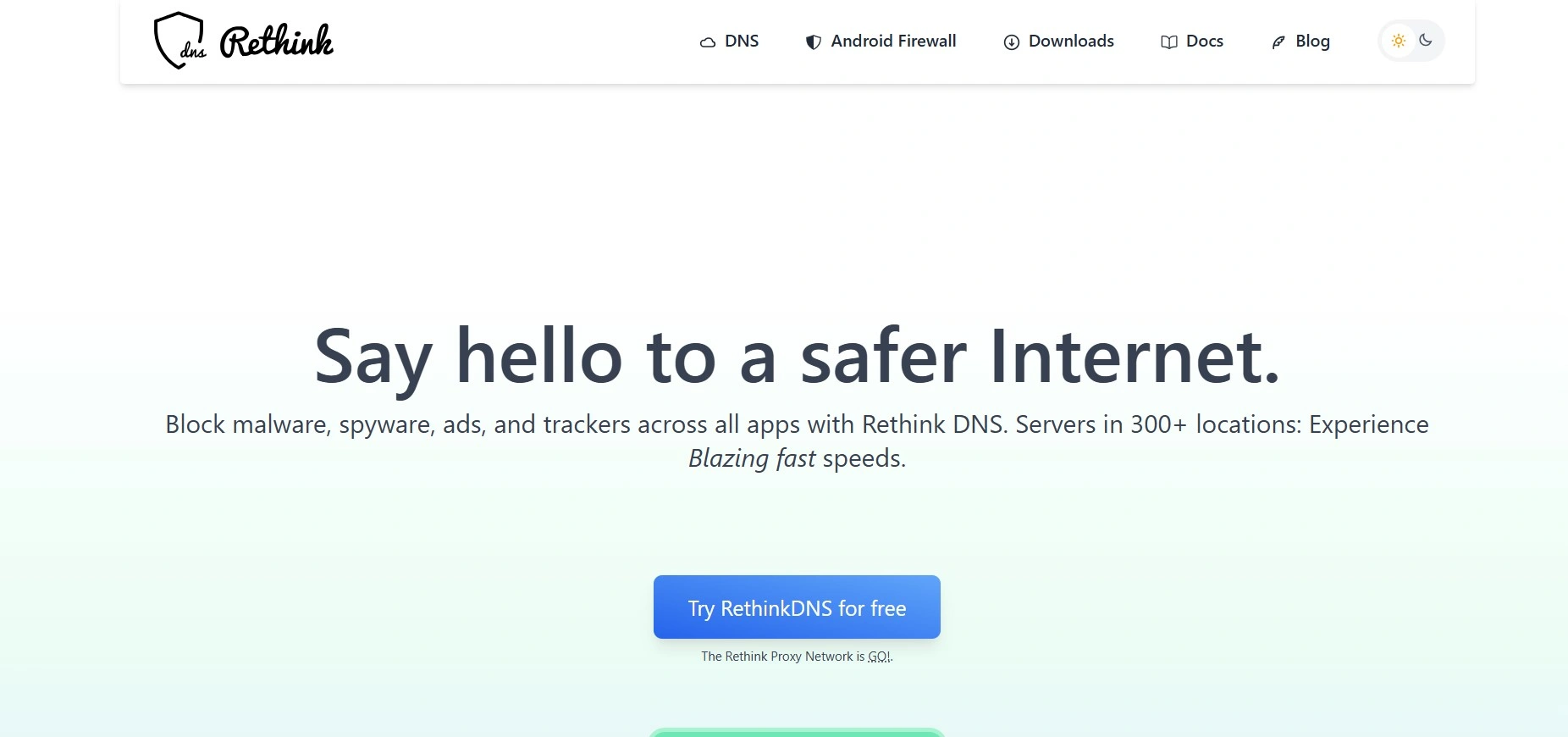
RethinkDNS is a private, fast DNS resolver for Android that blocks malware, spyware, ads, and trackers across every app, running from servers in 300 locations worldwide. It also includes a firewall to monitor and manage internet access and app activity.
Features as a VPN Alternative:
- Ad and tracker blocking: Supports over 190 blocklists, some of which also power ad blockers like uBlock Origin.
- Full control of DNS translation: Instead of the ISP handling the domain-to-IP lookup, users get full control over that step to stay protected against threats, ads, trackers, or other spyware.
- Global servers: RethinkDNS’s servers are spread across more than 300 locations globally.
- Proxy network add-on with the Rethink Proxy Network
Why RethinkDNS?
Choose RethinkDNS if you want firewall-level control over what each app can access, DNS-layer filtering, and censorship bypassing, as well as adding proxies for VPN-style routing.
4. AdGuard DNS
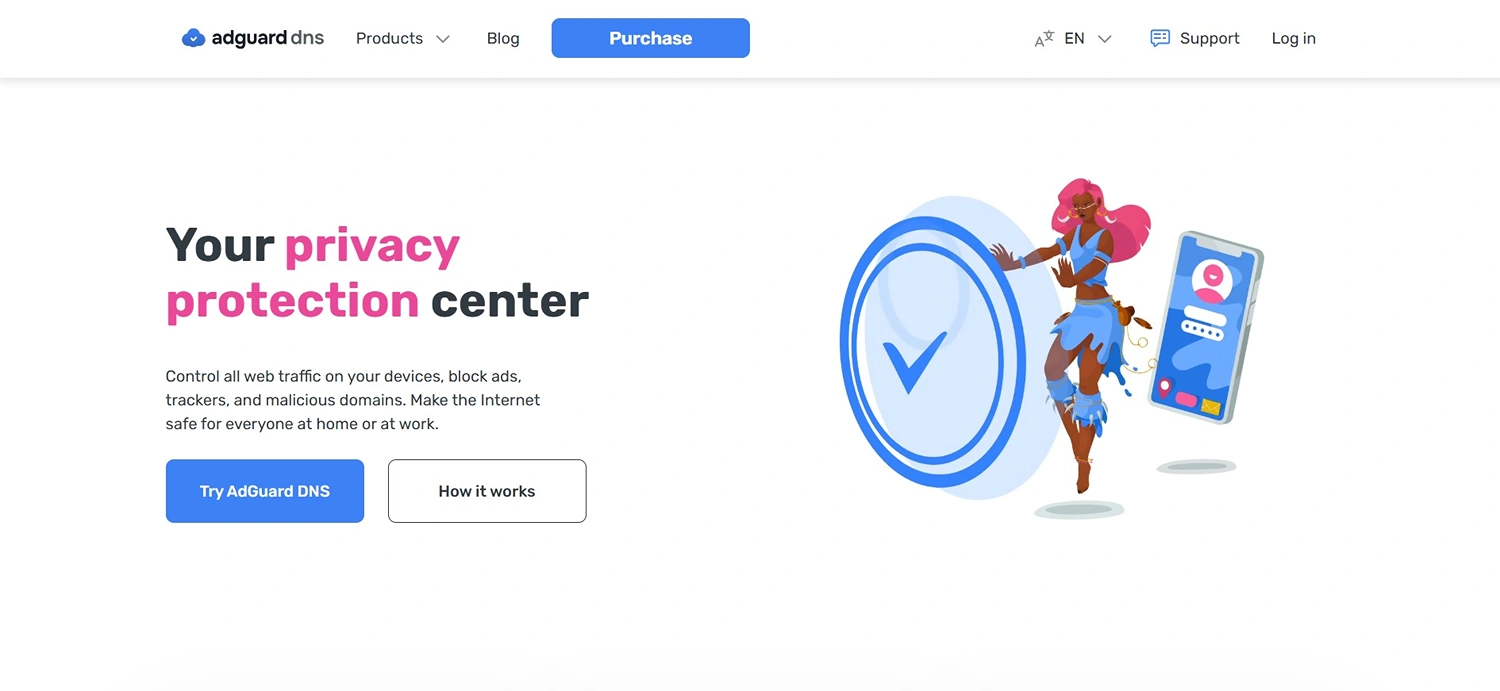
AdGuard DNS is a DNS service that blocks ads, trackers, and malicious domains while giving control over web traffic on every connected device, whether at home or at work. It also provides real-time statistics on DNS requests from all devices.
Features as a VPN Alternative:
- Encrypted DNS traffic: Supports DoH, DoT, and DNS-over-QUIC to keep DNS requests encrypted
Global server locations: Runs on more than 15 locations over 100 servers worldwide - VPN-profile mode on mobile: On Android and iOS, a VPN-based mode uses a VPN profile to route DNS requests to the chosen server.
- Device-level visibility: A dashboard shows real-time stats on requests from each device, including what got blocked and when.
Why AdGuard?
Choose AdGuard if you want DNS-level traffic control, encrypted connections, and per-device visibility into what’s being blocked.
Note: AdGuard also offers a VPN service; however, AdGuard DNS is a lighter option, especially for those who don’t need a complete VPN. If you want your IP masked, that’s a separate product.
Why Choose DNS over VPN?
While you have a list of VPN alternatives, you might still wonder why some people choose DNS over VPN. Here are several reasons:
- Simpler setup with no app or software install needed
- Covers every device automatically
- Built-in security and content filtering
- Easier to manage and have full control over device and browsing activity and DNS requests.
Many DNS services cost less than a VPN, and several, including Control D, have free tiers for filtering. Traffic redirection sits on Control D’s paid personal plan at $6/month, still below many VPN subscriptions.
To Sum Up
Each of the above-mentioned tools follows a slightly different path, though all of them are focused on security and privacy.
Control D is the most flexible place to start. It’s the only DNS service here with traffic redirection built in rather than as an add-on, allowing you to mask your traffic’s origin and route it through global proxy locations without needing a separate app or subscription.